QuizTab
Trivia quiz on every new tab. 200 questions, 5 categories, multiple choice. 36KB, no servers.
200 curated questions across 5 categories: science, history, geography, culture, sports
Multiple choice — 4 options per question, tap to answer
Instant feedback — green for correct, red for wrong, with the right answer highlighted
Streak tracking — how many in a row can you nail?
Accuracy stats per category — see where you shine and where you need work
Category filter — focus on specific categories or go random
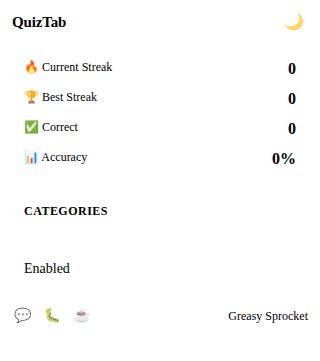
Popup shows total stats, best streak, and per-category breakdown
100% offline, no servers, no ML, no tracking — 36KB total
QuizTab turns every new tab into a multiple-choice trivia quiz. Read the question, pick from 4 options, get instant feedback. 200 curated questions across 5 categories, streak tracking, and per-category stats. All offline, all instant.
How it works
- Open a new tab — a question card appears with a category badge
- Read the question — 4 choices are shown below
- Tap your answer — instant feedback: green = correct, red = wrong
- See the correct answer — highlighted if you got it wrong
- Next question — a new question appears, streak continues (or resets)
Question categories
200 questions, 5 categories, 40 questions each:
| Category | Questions | Topics |
|---|---|---|
| Science | 40 | Physics, biology, chemistry, astronomy |
| History | 40 | Ancient civilizations, wars, leaders, discoveries |
| Geography | 40 | Countries, capitals, rivers, mountains, landmarks |
| Culture | 40 | Art, music, literature, film, traditions |
| Sports | 40 | Football, basketball, Olympics, records, athletes |
Stats tracking
| Metric | What it shows |
|---|---|
| Accuracy | Overall correct answer rate |
| Best Streak | Longest run of correct answers |
| Category breakdown | Accuracy per category — identify your weak spots |
| Category filter | Toggle categories on/off in the popup |
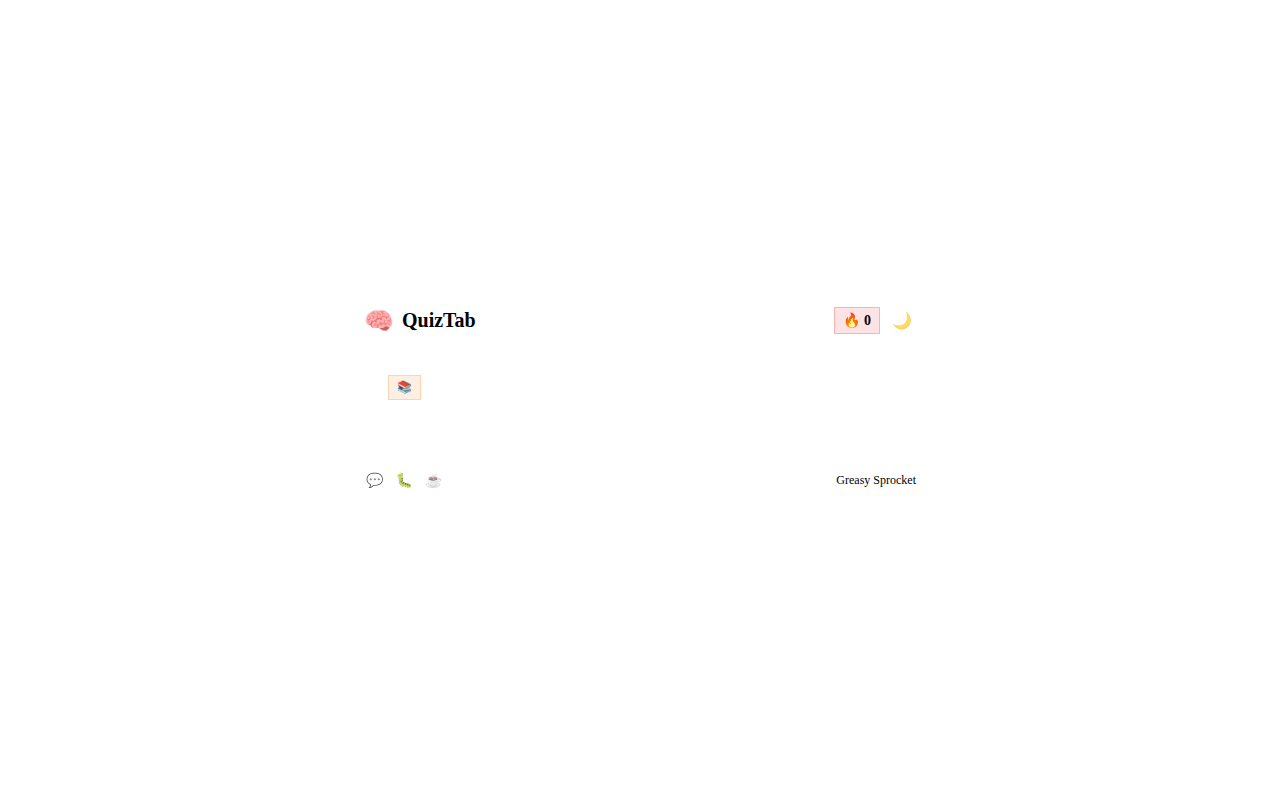
The popup shows all your stats and lets you toggle which categories you want questions from. The new tab screen focuses on the current question, your streak, and 4 choices — clean, fast, engaging.
Privacy
QuizTab doesn’t collect any data. No analytics, no tracking, no telemetry.
Your stats and preferences live in chrome.storage.local — they never leave
your browser. The only permission is storage (to save your stats and settings).
Free forever
QuizTab is 100% free. All 200 questions and every feature are available to everyone. There are no premium tiers, no locked categories, no usage limits. If you enjoy it, you can buy me a coffee — but there’s zero pressure.
How would you rate QuizTab?
Click a star to vote — no account needed.
Frequently asked questions
Is QuizTab really free?
Yes, 100% free. All 200 questions and every feature are available to everyone. No premium tiers, no locked categories, no usage limits. If you enjoy it, you can buy me a coffee — but there's zero pressure.
Does QuizTab need an internet connection?
No. QuizTab works completely offline. All 200 questions are bundled in the extension (36KB total). No data is downloaded or uploaded. Perfect for flights, offline work, or anywhere without connectivity.
How many questions are there per category?
Each of the 5 categories has 40 questions, for 200 total. Categories are: Science, History, Geography, Culture, and Sports. Each question has 4 multiple-choice options — only one is correct.
Can I focus on specific categories?
Yes. The popup has category toggles — turn off categories you don't want, and QuizTab will only show questions from your selected categories. By default all categories are enabled.
How does scoring work?
Each correct answer adds to your streak. A wrong answer resets the streak to zero. Your best streak is saved and shown in the popup. The new tab screen shows your current streak and the question with 4 choices.
Does QuizTab track my data?
No. QuizTab doesn't collect any data. No analytics, no tracking, no telemetry. Your stats (accuracy, streaks, category breakdown, category preferences) are stored locally in your browser via chrome.storage.local. Nothing leaves your device.