QRify
QR code of the current URL with one click. Clean popup, ready to scan. No ads, no shorteners.
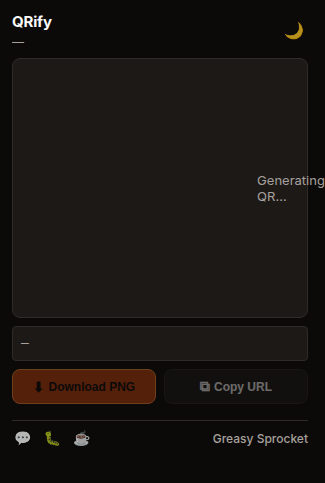
One-click QR code of current tab URL
Clean popup — just the QR, nothing else
Download QR as PNG for sharing
Copy URL button alongside QR
Works on any URL — no length limits
100% local — QR generated in-browser, no servers
QRify generates a QR code of your current URL with one click. Scan it with your phone to open the page on mobile. Clean, simple, no clutter.
How it works
- Click the QRify icon — popup opens
- QR code appears — encodes your current tab URL
- Scan with phone — or download as PNG
- Copy URL — button to copy the URL directly
Privacy
QRify doesn’t collect any data. No analytics, no tracking, no telemetry. The QR code is generated entirely in your browser using JavaScript — your URL never touches a server. No URL shorteners, no redirects.
Free forever
QRify is 100% free. All features are available to everyone. There are no premium tiers, no locked features, no usage limits. If you enjoy it, you can buy me a coffee — but there’s zero pressure.
How would you rate QRify?
Click a star to vote — no account needed.
Frequently asked questions
Is QRify really free?
Yes, 100% free. No premium tiers, no locked features.
Does QRify use a URL shortener?
No. QRify generates the QR code directly from the full URL. No shortening, no redirect, no tracking. The QR contains the exact URL you're on.
Does QRify work with very long URLs?
Yes. QR codes can encode up to 2,953 characters. Even the longest URLs fit. The QR auto-scales to fit the popup.
Does QRify track what URLs I'm sharing?
No. QRify generates the QR code entirely in your browser using JavaScript. No URL is sent to any server. No analytics, no tracking.