PrintFriend
Clean any page for printing. One click strips ads, sidebars, navs — leaves only the article. Print or save as PDF.
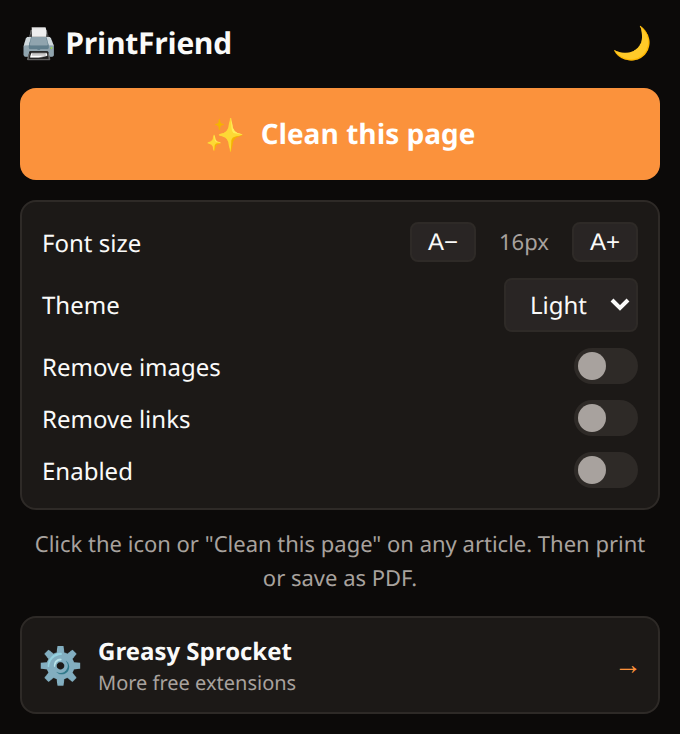
One-click page cleanup — removes clutter, keeps content
Readability-based extraction — finds the main article automatically
Print preview — see the clean version before printing
Save as PDF — use Chrome's built-in PDF export
Font size adjustment for print
Dark/light print mode toggle
100% local — no servers, no tracking
PrintFriend cleans any web page for printing. One click strips ads, sidebars, navigation, and comments — leaving only the article. Then print or save as PDF.
How it works
- Click the PrintFriend icon on any article page
- PrintFriend extracts the main content using a readability algorithm
- Clean overlay appears — just the article, formatted for print
- Print or save as PDF — use Chrome’s built-in print dialog
Privacy
PrintFriend doesn’t collect any data. No analytics, no tracking, no telemetry. All extraction happens in your browser — no content is sent to any server.
Free forever
PrintFriend is 100% free. All features are available to everyone. There are no premium tiers, no locked features, no usage limits. If you enjoy it, you can buy me a coffee — but there’s zero pressure.
How would you rate PrintFriend?
Click a star to vote — no account needed.
Frequently asked questions
Is PrintFriend really free?
Yes, 100% free. No premium tiers, no locked features.
How does PrintFriend know what to keep?
PrintFriend uses a readability algorithm to detect the main content container — the largest text block with the most paragraphs. It removes everything else: sidebars, navs, ads, comments, related links.
Does PrintFriend work on every website?
It works on article-style pages (news, blogs, documentation). On pages without clear article content (dashboards, apps, login pages), it may not find content to extract.
Does PrintFriend modify the original page?
No. PrintFriend creates a clean overlay with just the extracted content. The original page is untouched. Close the overlay and the page is as it was.