PocketVault
Offline password manager that never leaves your device.
How to install manually (2 minutes)
- Download the ZIP above and unzip it (right-click → Extract all).
- Open
chrome://extensionsin your browser. - Turn on Developer mode (top-right toggle).
- Click Load unpacked and select the unzipped folder.
The extension stays local — it never phones home and it never updates itself.
Features
✓
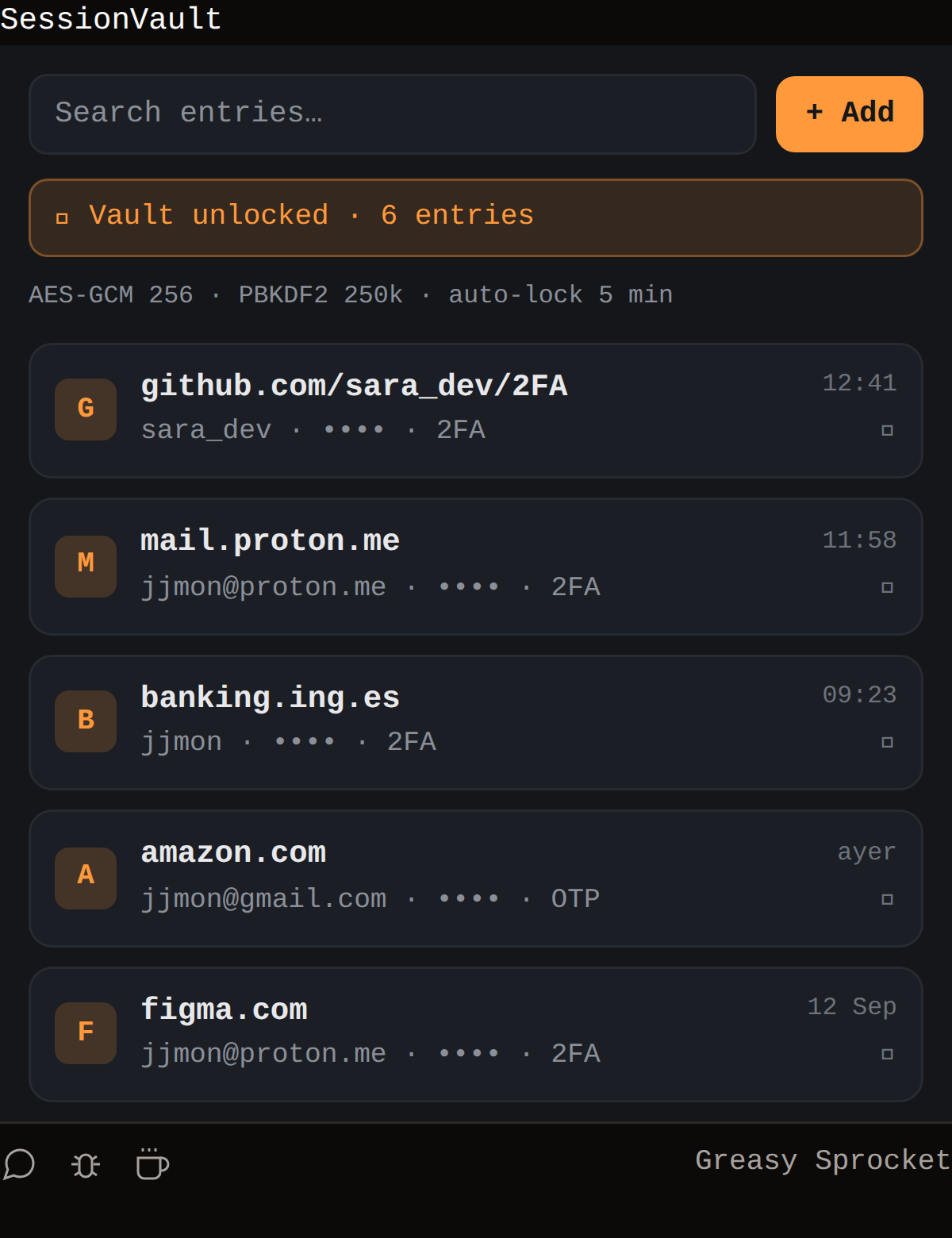
Encrypted vault with PBKDF2 & AES‑GCM, 256‑bit key derived from a master passphrase
✓
Add, edit, delete, and search entries by site name
✓
Password generator with configurable length and character set
✓
Export/import vault as encrypted JSON
✓
Auto‑lock after 5 minutes of inactivity
✓
Sidepanel UI with dark/light theme support
✓
Privacy‑first: no data leaves your device
✓
Open‑source code, no tracking
PocketVault keeps your passwords safe and local. ”
How would you rate PocketVault?
Click a star to vote — no account needed.
FAQ
Frequently asked questions
Does PocketVault store my data in the cloud?
No. All data is stored locally in Chrome's storage and is encrypted with a key derived from your master passphrase.
Can I export my vault?
Yes. Export produces an encrypted JSON file that can be imported again.
Is PocketVault secure?
We use WebCrypto's PBKDF2 with 250k iterations and AES‑GCM 256 for encryption. The key is never stored in plain text.
You might also like