GS Tab Switcher
Choose which Greasy Sprocket new-tab extension loads. A clean selector on every new tab.
Detects all installed GS new-tab extensions automatically
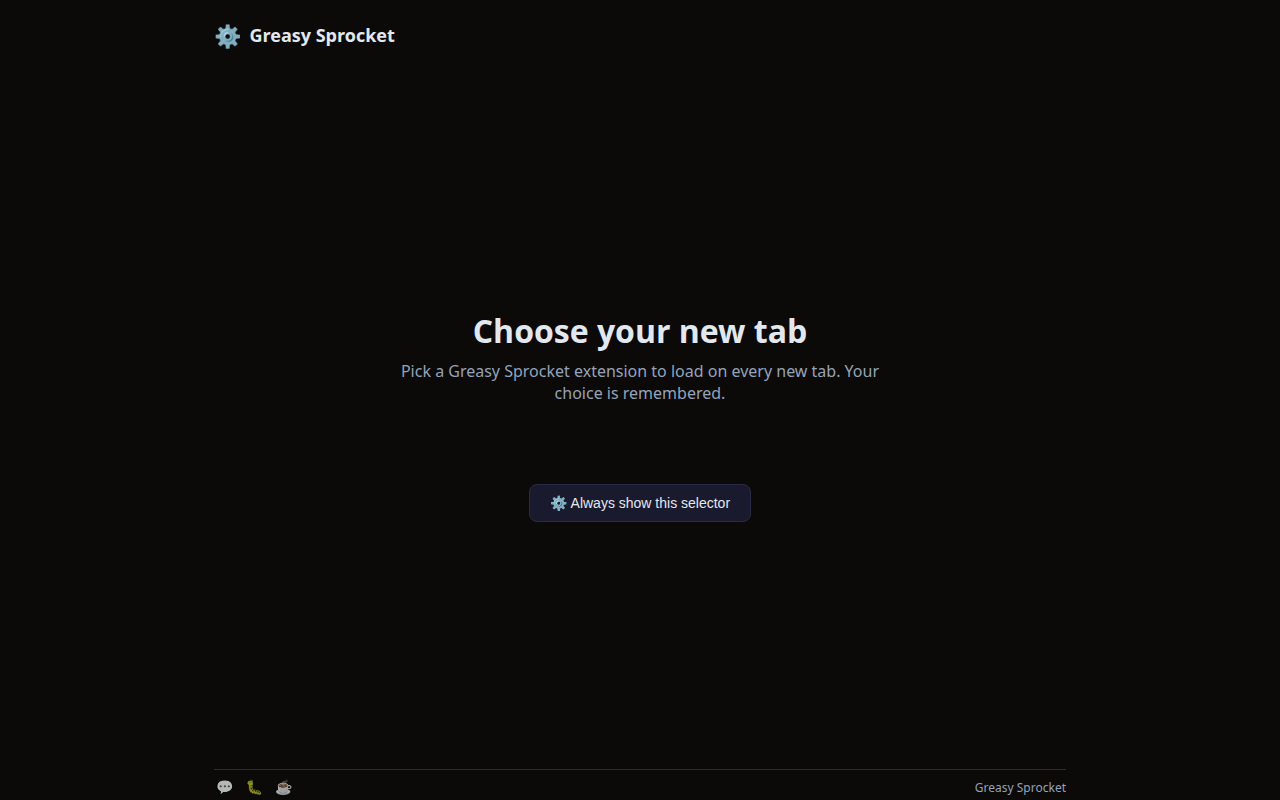
Clean grid selector on every new tab — pick with one click
Remembers your choice — next new tab auto-redirects to your pick
Always show selector mode — never auto-redirect, always see the grid
Auto-clears choice if the selected extension is disabled or uninstalled
Back to selector link during redirect — change your mind anytime
100% local — no servers, no tracking, no accounts
GS Tab Switcher lets you choose which Greasy Sprocket new-tab extension loads when you open a new tab. It detects all installed GS new-tab extensions and shows a clean selector grid. Pick one, and it remembers your choice.
How it works
- Install GS Tab Switcher + any GS new-tab extensions (TabFM, TypeRacer AI, FactOrFake, QuizTab)
- Open a new tab → see the selector grid with all installed extensions
- Click an extension → it saves your choice and redirects to that extension
- Next new tab → auto-redirects to your chosen extension
- To switch → click ”← Back to selector” during the redirect delay
The selector grid
When you open a new tab, GS Tab Switcher shows a clean grid of cards:
- Each card shows the extension’s icon, name, tagline, and status (Active/Disabled)
- The currently selected extension is highlighted with a checkmark
- Click any card to switch — the choice is saved instantly
- A “Always show this selector” button at the bottom prevents auto-redirect
Always show selector mode
If you prefer to always see the selector instead of auto-redirecting:
- Click “⚙️ Always show this selector” at the bottom of the grid
- Every new tab will show the selector — no auto-redirect
- Click any extension to visit it once (without changing the default)
- Click the button again to re-enable auto-redirect
Privacy
GS Tab Switcher doesn’t collect any data. No analytics, no tracking, no telemetry.
The extension uses chrome.management to detect installed extensions — this runs
entirely in your browser. Your installed extensions list never leaves your device.
The only permissions are storage (to save your choice) and management (to
detect installed extensions).
Free forever
GS Tab Switcher is 100% free. All features are available to everyone. There are no premium tiers, no locked features, no usage limits. If you enjoy it, you can buy me a coffee — but there’s zero pressure.
How would you rate GS Tab Switcher?
Click a star to vote — no account needed.
Frequently asked questions
Is GS Tab Switcher really free?
Yes, 100% free. No premium tiers, no locked features. If you enjoy it, you can buy me a coffee — but there's zero pressure.
How does the switcher detect installed extensions?
GS Tab Switcher uses the chrome.management API to list all installed extensions. It matches Greasy Sprocket extensions by their updateUrl pattern (greasysprocket.com/updates/). Only extensions that override the new-tab page are shown in the selector.
What happens if I only have one GS new-tab extension installed?
The selector shows that extension plus the switcher itself. Click the extension to set it as your default, and every new tab will redirect to it. Or keep the switcher as your new-tab to always see the selector.
Can I always see the selector instead of auto-redirecting?
Yes. Click 'Always show this selector' at the bottom, or click the switcher card in the grid. Every new tab will show the selector instead of auto-redirecting.
What happens if I disable or uninstall my chosen extension?
GS Tab Switcher listens for management events. If your chosen extension is disabled or uninstalled, the saved choice is automatically cleared, and the next new tab shows the selector again.
Does GS Tab Switcher track which extensions I have installed?
No. GS Tab Switcher doesn't collect any data. No analytics, no tracking. The detection runs locally in your browser — your installed extensions list never leaves your device.